
My Favorite Home Systems to Manage It All
As a little girl, my imagination ran wild with the idea of playing house. Of course, at that age, the idea of cooking dinner every night and organizing my doll’s clothing sounded fun. It felt so simple and magical. Now that I’m an adult running the house, this magic has all but disappeared.
It’s been replaced with an endless list of things to remember. Maybe it’s because we didn’t realize that this was something we’d have to do every single day or the world has just gotten a bit more complicated since we were kids, watching our parents manage it all.
I’m not the first to say it (and definitely not the last). From keeping track of the kids’ appointments and after-school activities to managing work commitments and weekend plans, keeping everything straight in our heads is overwhelming.
In my house, my husband and I divided up the tasks. He handles the home and vehicle maintenance. I keep track of meal planning, finances, and daily household chores. It works for us, and I know everyone has a different approach given their own life and preferences.
No matter how you handle the mental load and labor in the home, I’ve learned that I can’t rely on memory alone to muscle through everything that needs to get done. It requires having the right home management systems in place.
Some of these systems and routines have stayed with me for years. Others I’ve changed or completely dropped along the way. Here’s what’s working for me right now.
Meal Planning with Weekly Table
I’ve meal planned on and off since my kids were little (they are now in their early 20s). The problem wasn’t the idea of meal planning, but it was getting it done.
I would start using a system that looked like something that would work. Then I’d be 20 minutes deep into uploading recipes and realize that it was stealing more of my time rather than giving it back. No matter what system I used, it often came down to finding more recipes and then manually building a meal plan – and using that to create a grocery list.
This is exactly what fueled me to build Weekly Table. Because I knew there had to be a better way, where you didn’t have to spend hours organizing recipes, building meal plans, and creating grocery lists.
That’s what we built! A meal planning tool that takes care of it for you – add your recipes, and Weekly Table builds the meal plan for you. The grocery list? Organized and ready to shop.
Even before Weekly Table, I always knew meal planning was helping because it shortened the grocery trips, kept my family within budget, and stopped the 4 p.m. panic wondering what was for dinner. But, after years of hating the systems I’ve tried – and feeling like they added to the mental load – that’s when I built Weekly Table. Start your subscription here.
Budgeting with YNAB
I’m a numbers person so budgeting has always been a part of my life. My parents instilled the importance of saving and watching our expenses early on. Over 10 years ago, I came across a budgeting tool called You Need A Budget (YNAB) and haven’t looked back.
YNAB uses a simple rule: give every dollar a job. Every time payday rolls around, my husband and I sit down and figure which buckets – or jobs – to put our money towards.
I’ve stuck with it for over a decade because the tool plans how you will spend the money you have, rather than looking back to see where the money went. I also like that it gives you the option to spend money where you want to, rather than forcing you to spend it all a certain way.
The best part is it’s a system that gives my husband and I an open channel of communication to talk about our finances. Learn more about YNAB here.
My Favorite Home System for Tasks & Schedules
Playing house as a kid didn’t prepare me for the amount of tasks that live in my head or on the never-ending to-do list that comes with managing a household and a home. Over the years, I’ve tried nearly everything to help me manage it – paper planners, digital apps, and even AI tools.
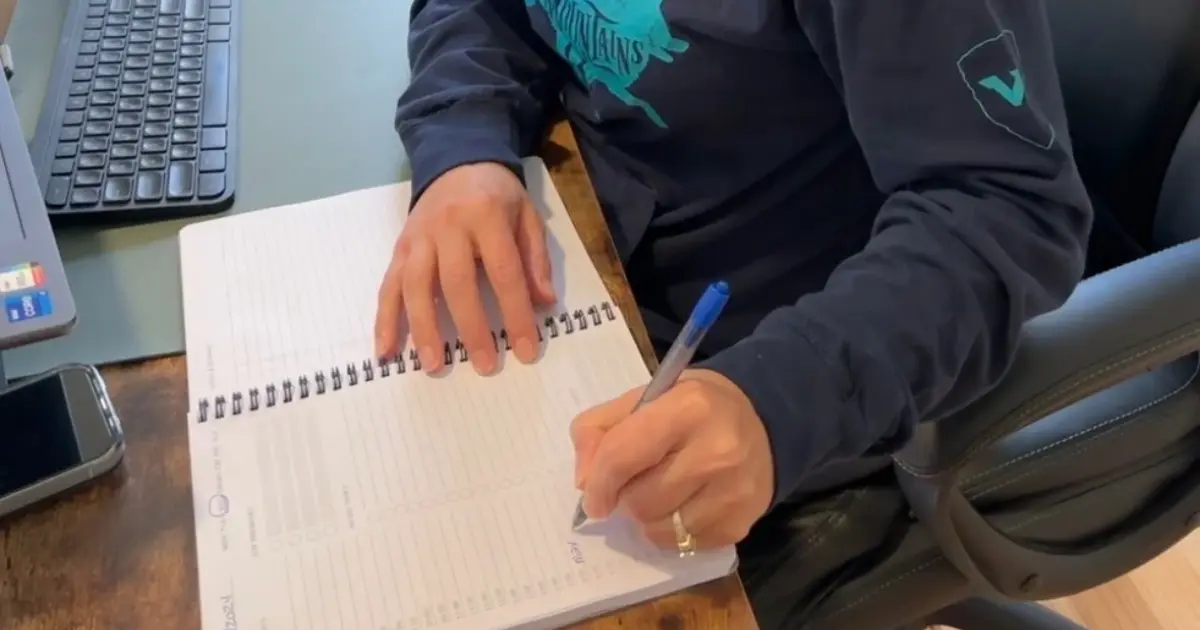
For me, a paper system works best. It gives me a good visual so that I can see exactly what’s happening. There are a few things that I use to make my paper system work for me:
- Wall Calendar: This wall calendar keeps track of appointments, work commitments, and shared family activities. It’s in a place where everyone can see it, so there’s no question about what’s happening when.
- Daily Planner: Every morning, I write down the top three things on my list to accomplish that day. I follow this for work and for personal tasks. Once I finish the top three, I add the next set. It keeps me focused, productive, and motivated.
Lately I’ve been on a mission to get mine and my husband’s estate planning completed. It has been helpful to start it early, so that it doesn’t feel like we are making panicked decisions. By the end of this year, I would like to have our end-of-life plans in order.
As part of this, it’s helped me create a system to store our critical documents. This is helpful for estate planning, of course, but also in case of an emergency (which hopefully we never face, but better to be prepared). This binder will hold our birth certificates, social security cards, trusts and will documents, and account numbers and financial information.
It’s important to me to build this out early, so our kids have one less thing to worry about when the time comes. However, it makes me realize that relates so well to the other home system management tools that I have in place.
It’s about getting everything in place so that it feels like you can make the decision on your own time, rather than when it becomes urgent and stressful. And in doing so, you have one less thing to worry about when the time comes – whether it’s managing dinner on a Tuesday or trying to figure out who will be where on a Saturday night.
If you’re ready to take dinner off your mental checklist this week, try Weekly Table and see how it feels to have the deciding taken care of.