The 5 Best Meal Planning Apps for 2027
Most meal planning tools feel like a group project. One where you know exactly what needs to get done, and even though others are saying they are “helping,” you still must pick up the slack to have something that can be turned in.
If you’ve ever felt like this when you’ve tried out a meal planning app, you aren’t alone. Most of them feel like they’ve been built by someone who has never tried to get dinner on the table while helping your elementary school kid figure out homework and trying to get that last work email off to your boss for the day.
As we look ahead to 2027 and what moms need most, it’s not a meal planning app with all the bells and whistles. It’s one that can eliminate the panic around what’s for dinner, while helping to reign in the grocery costs, all so you can take a few breaths and – dare we say it – relax during dinner.
Best System Built for Real Life: Weekly Table
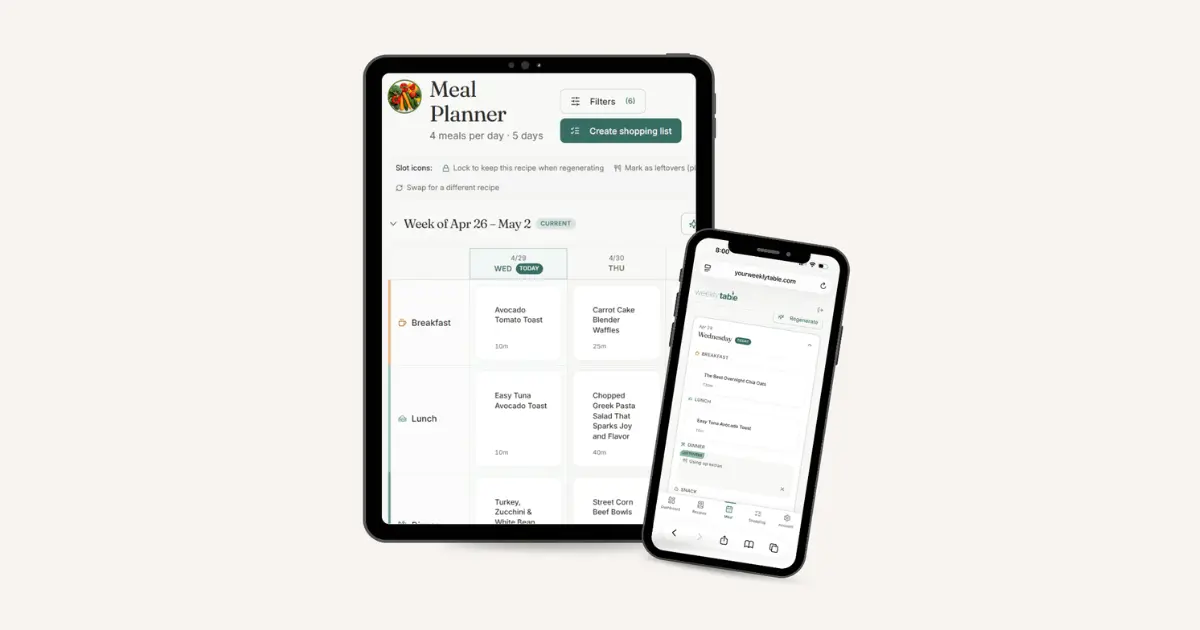
Built by moms, for moms. Weekly Table gives you a meal planning app that actually gets the job done – without asking you to do 78% of it along the way (because you’re already carrying that much of the mental load of your household anyways).
Weekly Table makes it really easy to start, so that you can get a meal plan in the first few minutes of opening your account.
- Sign up and set your table (how many people, how many meals, which nights)
- Choose your recipes. Either upload your favorites (link, PDF, picture, text) or choose from our mom-approved collection (100+ that your family will actually eat)
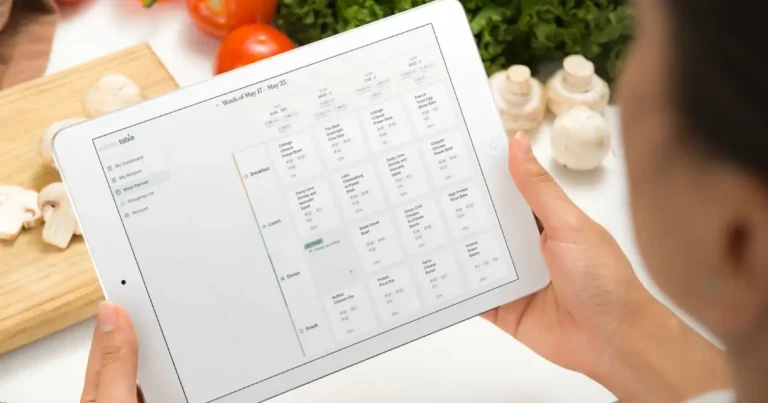
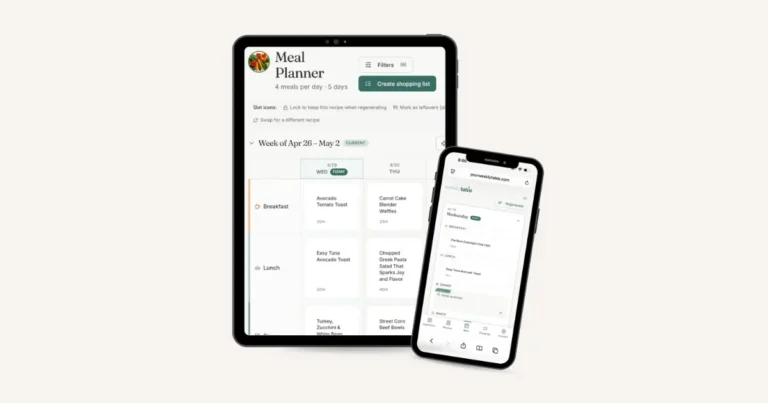
- See your meal plan. Keep as is, swap, or update however you need.
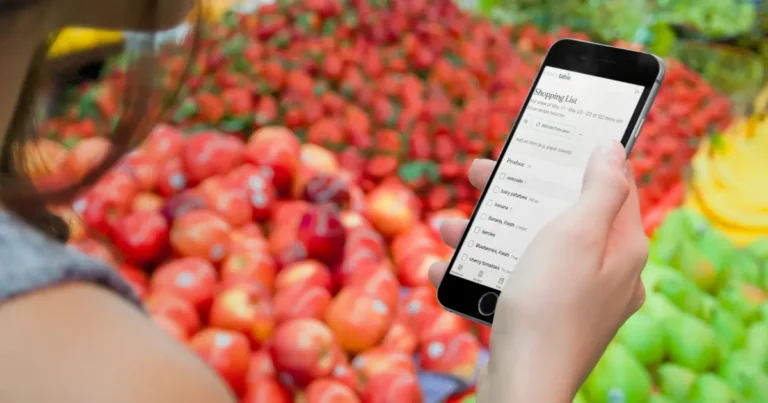
- Look at your grocery list, organized by category and ready to shop.
- Cook via cook mode, so you can ignore the ads, focus on what needs to get done, and remember why you bought that cilantro.
The best part? Weekly Table takes on the deciding, so you don’t have to. It builds your plans with recipes that you choose, so you never have to feel exasperated that the machine behind it doesn’t even know you or your family. Your library never reaches a limit, so you can always add new favorites or see which packs we’ve added to the Weekly Table collection.
Ready to get started? Try the FREE Taking Back Dinner challenge for five days. $5/month or $45/year.
Best Recipe Clipper & Archive: Paprika
If you’re anything like us, you might have a recipe problem. And part of your recipe problem may be that they are living everywhere. Instagram saves, favorite cookbooks, random screenshots, and a Pinterest board that you could scroll for days.
Where it shines: Paprika is widely considered the best for saving recipes. Its web browser strips away ads, pop-ups, and blog content, so all you get are the ingredients and instructions. It’s a one-time purchase per platform, and does a great job at keeping your recipe collection neatly organized.
Where it falls short: While Paprika does an awesome job at organizing your recipes, it is not an automated planner. It gives you a blank calendar grid and you’re expected to fill it all in, from choosing the recipe to scaling portions and making your grocery list. If decision fatigue if your main struggle, Paprika leaves the hardest part of the job on your shoulders.
Best for Macro Tracking: Eat This Much
Tracking macros and counting calories can be overwhelming if you don’t have the right tools in place.
Where it shines: Eat This Much makes it easy to build meal plans for ultra-specific macro tracking. It takes your daily calorie goal, along with your targeted grams of protein, carbs, and budget, and it generates a full day of meals in seconds. It removes the guesswork from hitting specific nutritional numbers.
Where it falls short: While the math works great, sometimes the meals don’t come together as well. If you’ve ever macro counted, you know the challenge – you have 200 calories left, but need 40 grams of protein. Eat This Much will figure it out for you, but it may not be the culinary masterpiece you were hoping for. Eat This Much can also be challenging for families, as it typically plans around single-serving targets.
Best Planner for Spreadsheet Lovers: Plan to Eat
For home managers who already use color-coded spreadsheets, Plan to Eat is designed right in your comfort zone.
Where it shines: Plan to Eat combines recipe clipping with a drag-and-drop planning calendar. Drag recipes directly to days of the week and build custom menu rotations. Detailed grocery lists with the ability to customize aisle categories can make sure you can truly tailor your grocery store run to how you like to shop.
Where it falls short: Setup time and learning curve for the platform are challenging, especially for moms who don’t have extra time. It relies on you to do 100% of the menu creation and data entry, which can be time consuming and frustrating. If you miss a couple of days, the calendar gets backlogged – which makes it feel stressful to get caught up again.
Best Grocery Store Integration: eMeals
eMeals is one of the longest-running services in the digital meal space, best known for its partnerships with major supermarket chains.
Where it shines: Where eMeals truly stands out is with its easy-to-use grocery ordering. Once you select a weekly meal plan, the app sends your entire ingredient list directly into your online grocery cart with your favorite store, whether its Walmart, Kroger, Instacart, or Amazon Fresh. You can order it for pickup or delivery.
Where it falls short: Flexibility is limited. eMeals operates on meal plans that fall into specific categories. You pick a plan, they provide a fixed list of recipes each week. Modifying recipes, bringing in your own family favorites, or adapting to specific household tastes can be clunky. If your kids reject half the meals on their set menu, you’re back to square one to finding (or cooking) alternatives.
How to Choose the Right Meal Planning App for You
When looking at which meal planning app to choose, it depends on what works best for you and your family. From tracking macros to getting a grocery list automatically shopped, and cutting out the deciding along the way, it really depends on where you value your time savings the most.
Here at Weekly Table, we focus on building an app that can shift and change with family preferences and needs. Tuesday night dinner go sideways because some family showed up in town? That’s okay, pick it up again on Wednesday. At the core of what we’ve realized is that we don’t need more options to help make meal planning easier. We just need someone to help us do the deciding, so we can just cook.
Ready to experience a better way to meal plan? Sign up for Weekly Table today.