
Two sisters, two very different life stages. Betsy and Lora came together to start Weekly Table because even though their lives look very different, they had one thing in common. The mental load of what’s for dinner was just too much.
The company launched in early 2026 with a goal to help busy families take one thing off their plates: the stress of feeding their families.
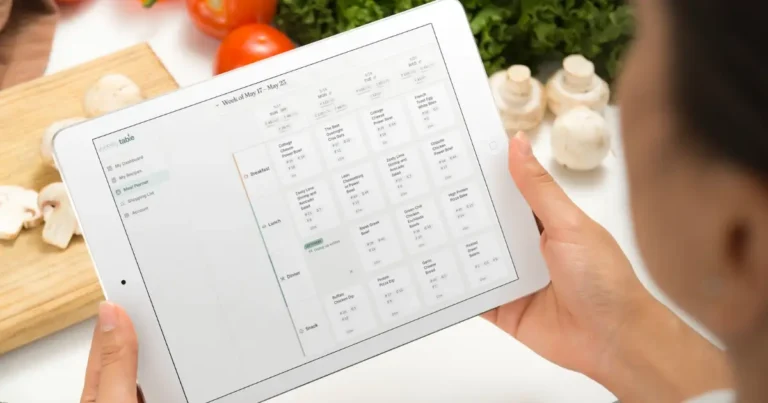
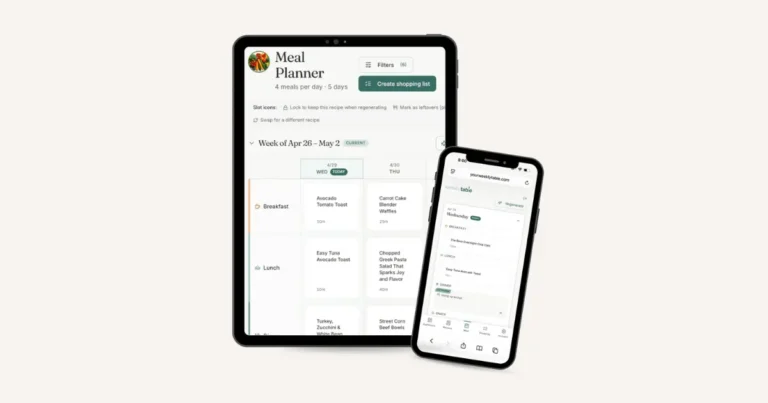
Weekly Table lets users add their own recipes, or rely on their mom-tested, mom-approved recipe packs. The meal plan? Built. The grocery list? Also built, and organized by category in the grocery store. And, to make cooking just a little easier, the app features cook mode – so you can skip the ads and get to the meat of the recipe faster.
What Users Love About Weekly Table
When it comes to Weekly Table, the founders focused on building an app that was easy to use and took on the stress of meal planning.
Both Betsy and Lora had used meal planning tools in the past and found that they just didn’t work with their lives. Logging in and getting a mandatory list of recipes felt defeating and impersonal. That’s why Weekly Table gives users the option to use the library of mom-tested, mom-approved recipes and add what they like. Too many recipes that don’t fit your kitchen vibe just add to the mental load, rather than take away from it.
With reducing the stress around what’s for dinner as the main goal for the tool, it means Weekly Table takes on the actual creation of the meal plan for the week. Weekly Table users love that they don’t have to do any work. Instead, they can tweak it as usual (because maybe you really do want the same breakfast for four days in a row).
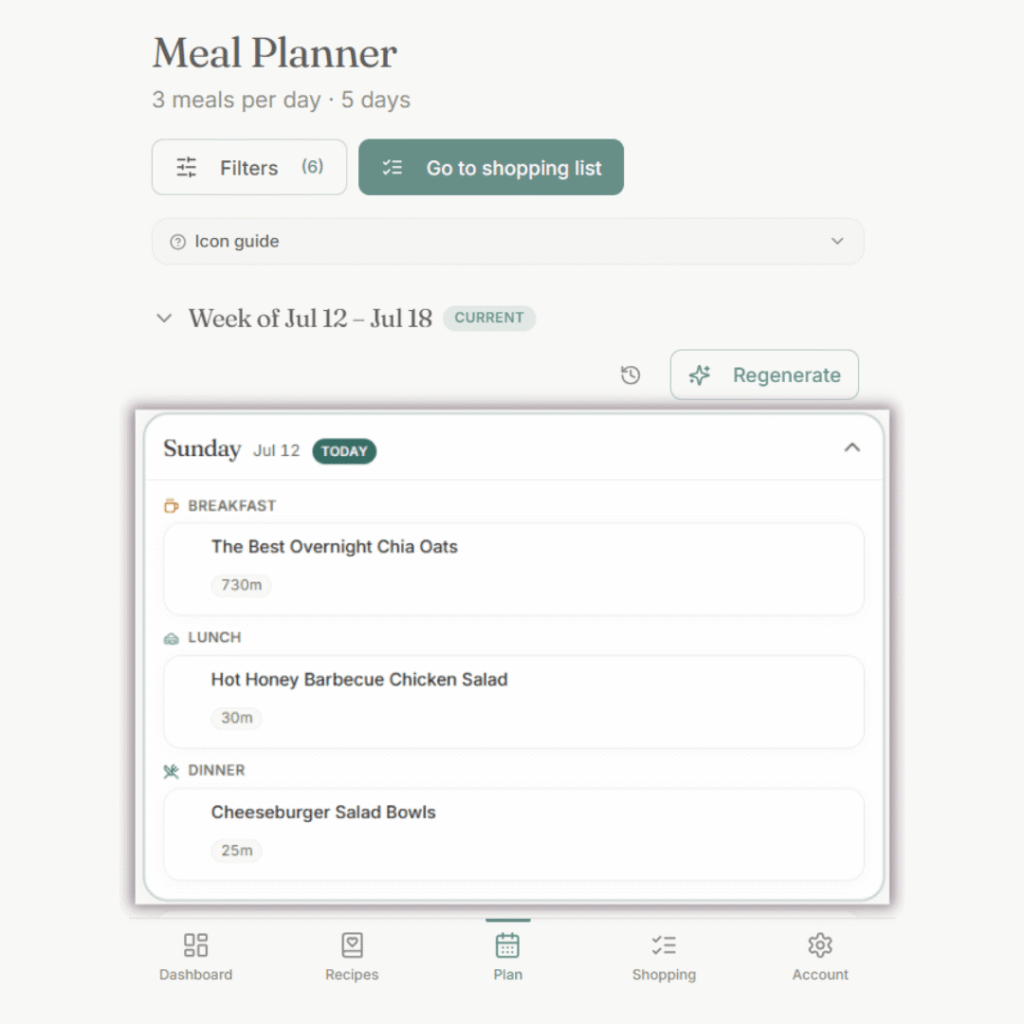
Because everyone’s lives are so different – with busy as the main theme – Weekly Table gives users the option to change and update as much as they’d like once the meal plan gets built. Add more meals, swap out recipes, or mark a meal for leftovers.
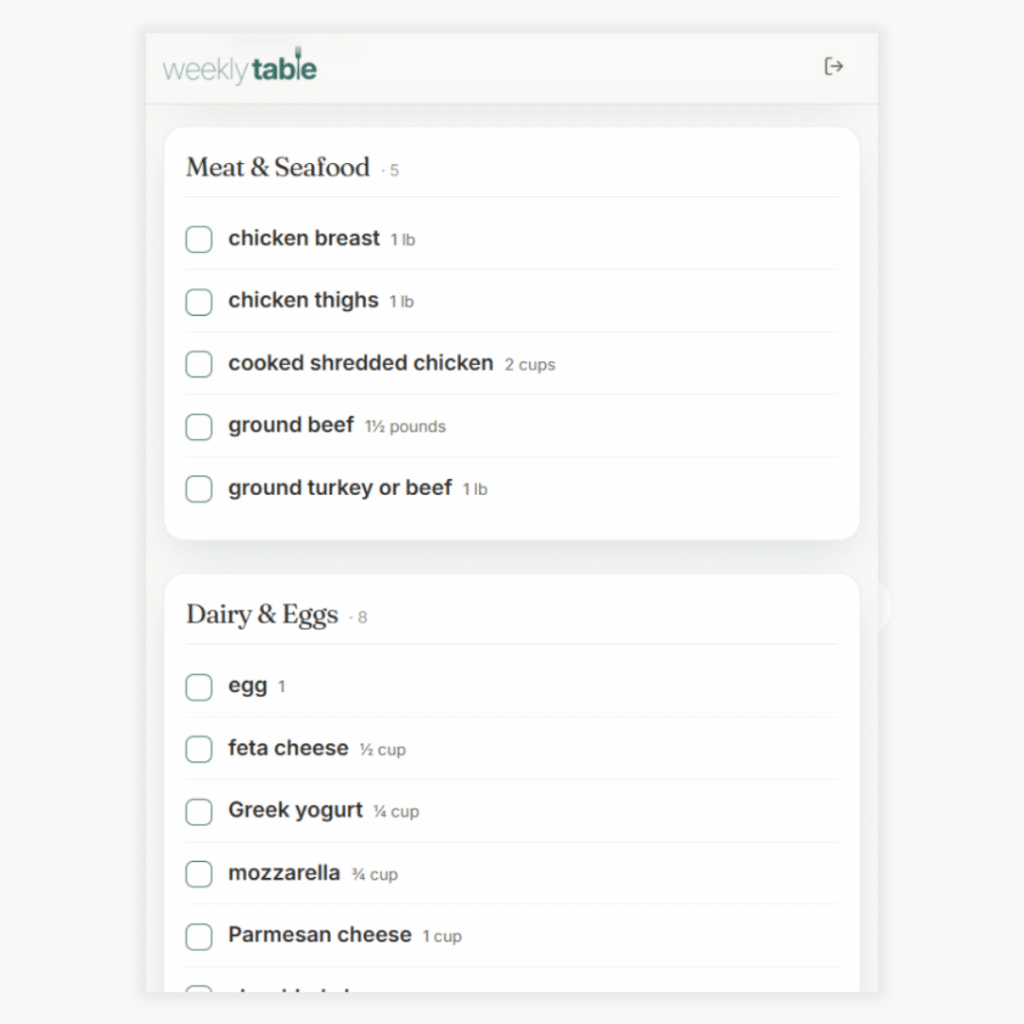
Once the meal plan is set, the grocery list gets built in one click – listing out every ingredient, categorized based on sections in the grocery store to make it easier to shop. It’s no secret that grocery costs are getting higher and higher. Using Weekly Table has helped users save as much as 30% on their grocery bill because of the organized list.
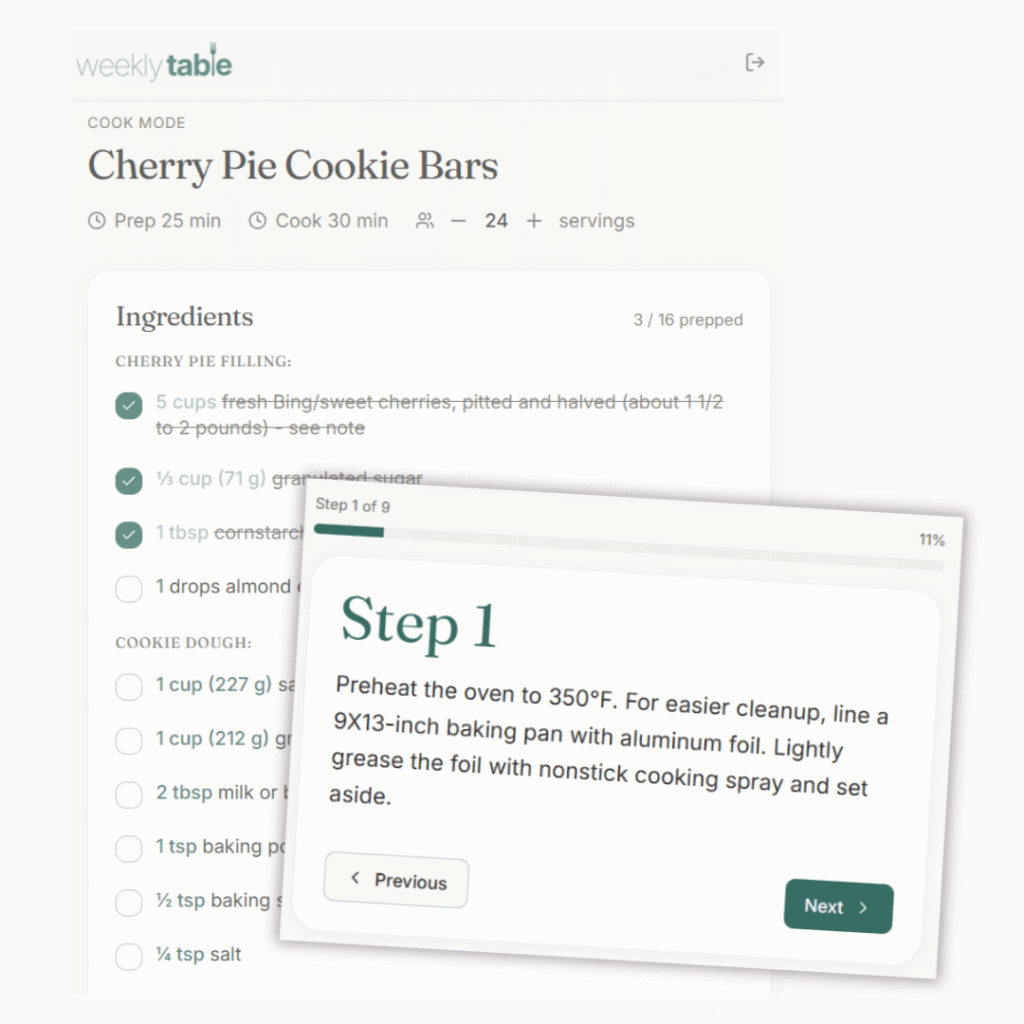
To top off the experience, users can then use cook mode when it’s time to cook. Tired of staring at ads and clicking out of pop ups? No worries in Weekly Table, which stores the recipe itself so that you can focus on cooking rather than trying to mine through content to find the actual ingredient list.
Who Weekly Table Is (and Isn’t) Built For
Every tool has a job – and that means that one tool doesn’t always work for everyone. And, that’s true of meal planning apps. After all, people often have many different goals when they meal plan. Weekly Table was designed with a clear goal: end the stress of meals for busy households.
Based on feedback from our users, Weekly Table is a gamechanger if:
- You’re managing a busy household: Between sports practices, after-school activities, and work schedules, you need someone to take meal planning off your plate – and flexibility that means it doesn’t all come crumbling down when plans shift.
- You need help finding recipes, but want to use yours, too: You’re not looking for a magic board of AI-generated recipes. You might have some recipes that are in rotation with your family, and are looking for a trusted source for others.
- You don’t have time to spend your Sunday meal planning: Your life is too busy to sit down with your recipe books and a pen and paper to plan out meals for the week. You need something to take it off your plate, and make it easier when you head to the grocery store too.
It might not be a good fit if:
- You want pre-package meal delivery: Weekly Table is a digital meal planning tool, not a meal kit delivery service. Users still do the cooking – while enjoying easier planning and shopping.
- You’re looking for a tool that’s focused on hitting macro targets: While Weekly Table does have the ability to count macro and nutritional targets, the meal planning tool is optimized for real-life family logistics.
How to Get the Most Out of Weekly Table
If you’re ready to get started with Weekly Table, our users have shared the top ways to get the most out of Weekly Table.
Set up your filters
When starting with Weekly Table, you’ll get an auto-generated meal plan from your recipes. Take a few seconds to look at your filters – like how many meals you want to plan a day and which days of the week that you want to plan. Ready to plan every meal (plus a snack), on every day? Go for it. Just need a few days per week? Perfect.
Start with your Top 7 anchor meals
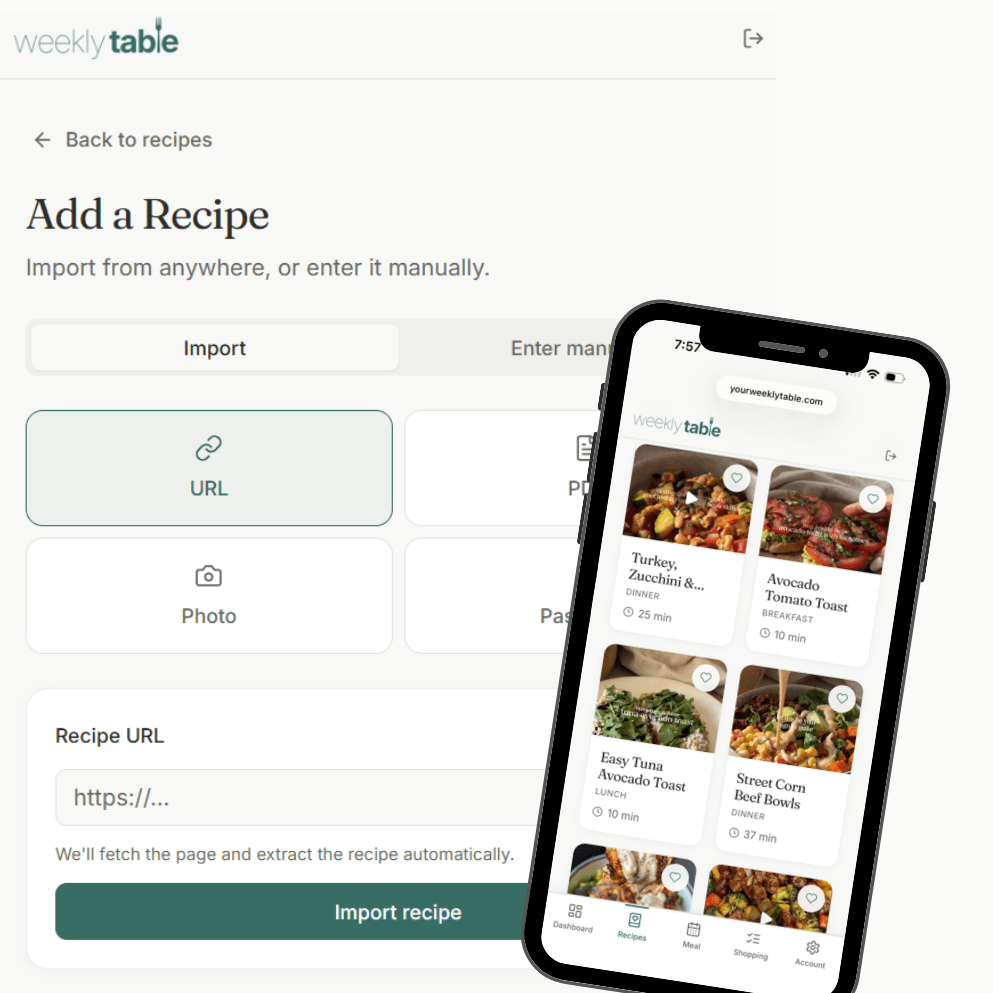
We all have them – the meals that are always in rotation and bring a smile to (most) everyone’s faces. Start by adding these, and slowly add the others on your to cook list, over time. Weekly Table makes it easy to add any recipe – you can upload a link, PDF, or photo. Recipes can also be manually typed in, too.
If you’re looking for your top anchor meals? You can check out the recipe packs built into Weekly Table! These are mom-tested, mom-approved so you can trust that your family will love them. Pick them by category – like picky eaters or high protein – or browse the entire library to choose those you want to add.
Use the plan to eliminate the 3 p.m. text
We’ve all been there. It’s 3 p.m. and you’re getting the text asking what’s for dinner. With Weekly Table, you already know. Fewer decisions around what to make, and less exhaustion on managing the logistics of it all.
That was the goal as the sisters built Weekly Table: to create a tool that would help busy families finally lift the mental load around food. Whether you’re a soon-to-be empty nester or just getting into the groove of elementary school, Weekly Table can take the stress off your plate.
Ready to get started? Start your free trial today.