Why Weekly Table is Different Than Other Meal Planners
“I’ve tried meal planning, and it didn’t work for me.”
“I’ve used a different app, it just made things harder.”
“I signed up for a meal planning tool, but just went back to pen and paper.”
These are some of the most common things we hear from moms when sharing about Weekly Table. It’s true, most people have at least attempted some form of meal planning at some point in their lives.
So did we. That’s how we got to Weekly Table. As Betsy has shared, she collected recipes like they were rare coins about to go on auction. She tried several meal planning tools, and it left her in the same place. Overwhelmed, searching for a recipe that would make it easier this time around.
And Lora, she had her trusty blue binder. She did it manually for years. When that stopped working, it lived in her head. And when that really wasn’t an option, she tried building meal plans with AI, which put her in a worse place than where she started.
That’s how Weekly Table was born, at Lora’s kitchen table one April weekend. Betsy was tired of trying to figure out what’s for dinner. Lora just needed something that could stick, and not lead her into the world of living on snacks.
Use Your Own Recipes with Other Options
After using some of the other meal planners on the market, it was clear that there was one similarity: you had to use their recipes.
While that might work for some people, it felt stressful to both of us. And when we first launched Weekly Table, there were no other recipes in the system. It was meal planning with your recipes, so that you could actually get a meal plan that you would use (not one that needed to be updated for nearly every meal because it didn’t fit with your life).

But, we heard from several people that the struggle was often even before having to decide what was for dinner. It was having a recipe on hand that they could cook. That’s why we added Recipe Packs to Weekly Table. Recipe Packs feature several categories of recipes – from family favorites to high protein to quick and easy – with recipes that we’ve actually cooked in our kitchens. So you can trust that they’ll work in yours, too!
Get a Meal Plan, Built
When you start using one of the other meal planners, it can feel like you’re doing all the work. Even if they do generate a meal plan for you, you still need to go in and update everything to get it to work for you. Often times, the recipes are a mismatch with what you need – so you’re deciding again of what might work.
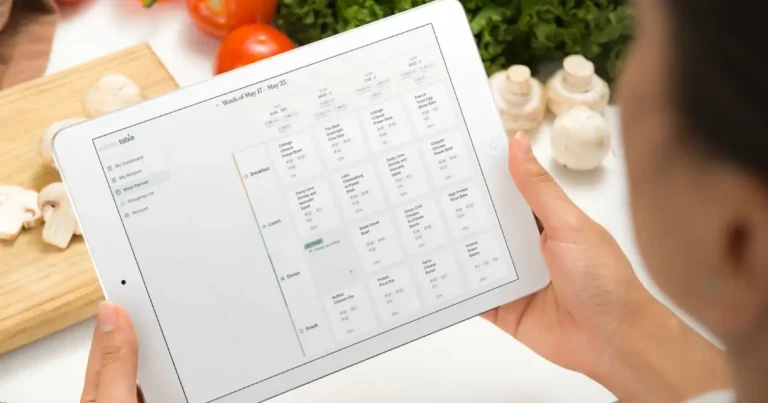
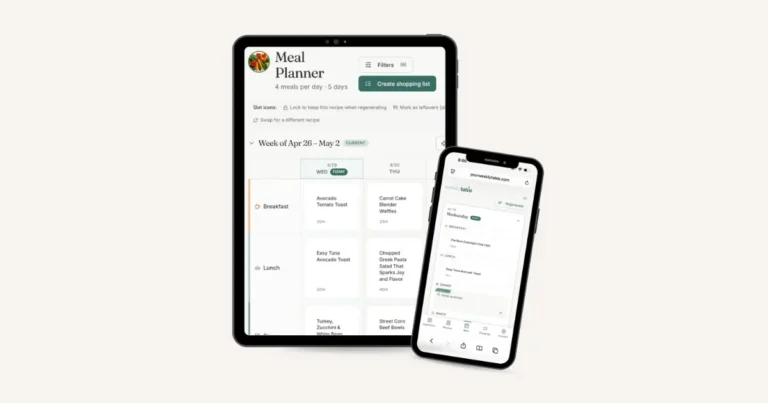
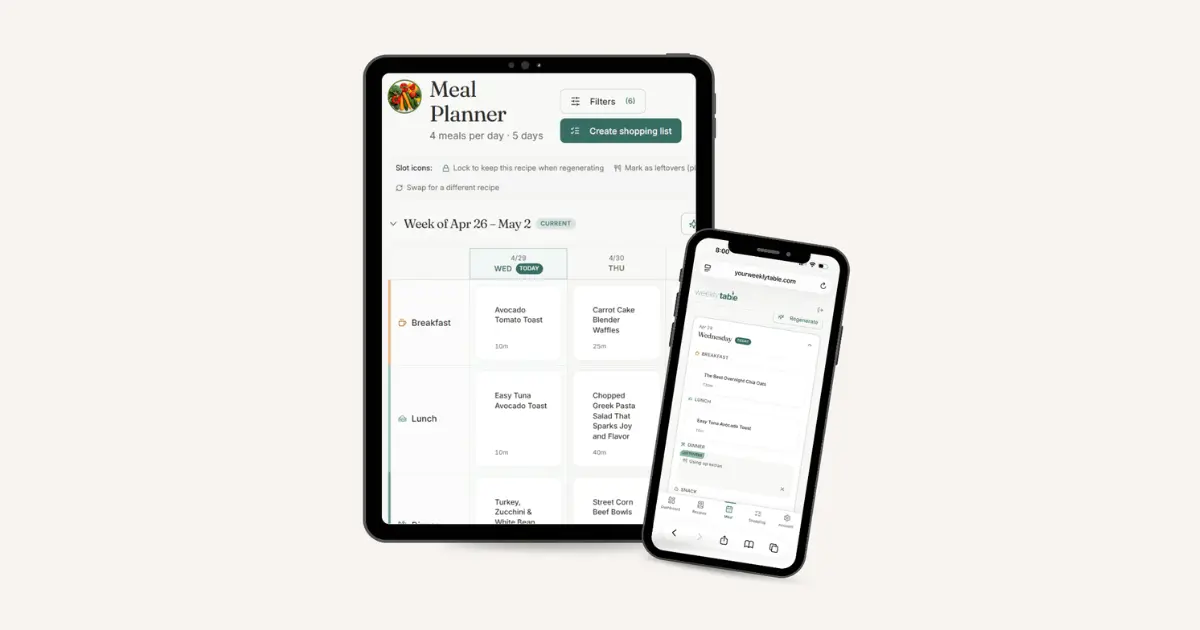
With Weekly Table, the meal plan gets built before you even do a thing. It takes your recipes, and builds it based on your preferences (which nights you prefer to cook, how many people you’re cooking for, and which recipes work best for you).
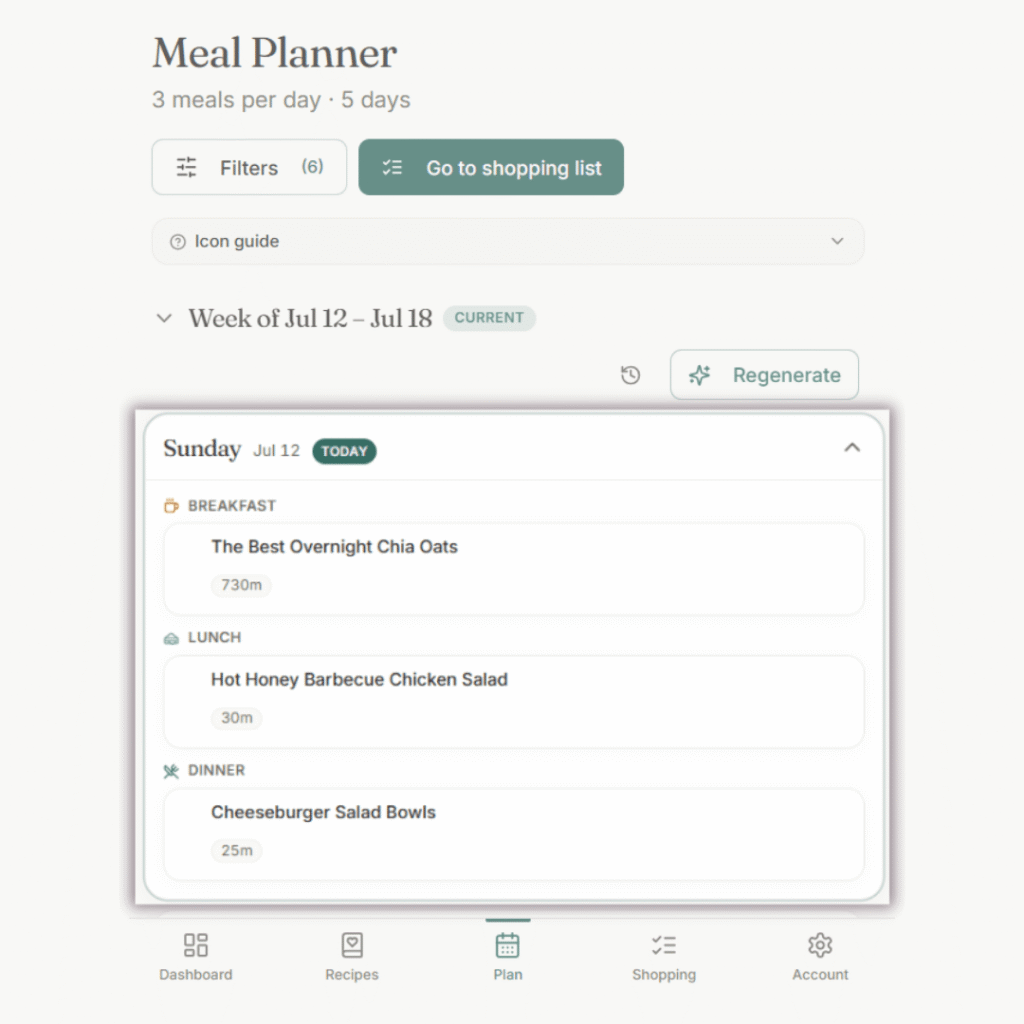
There’s a weekly email you can get that tells you your meal plan is ready with your grocery list. Most people log in, see the meal plan, make a few minor shifts (like updating serving sizes because grandma is coming over for dinner on Wednesday), and get the grocery list.
Get a Grocery List, Organized
I used to spend so much time building out a grocery list. I would have to go back through every single recipe, see what I needed, check my fridge and pantry, and then put it on the list. Because I was writing it out by hand (or typing it in my notes app), I would have chicken on line 3 and also line 27. Grocery shopping was frustrating because it meant I was like a ping pong ball going through all the aisles.
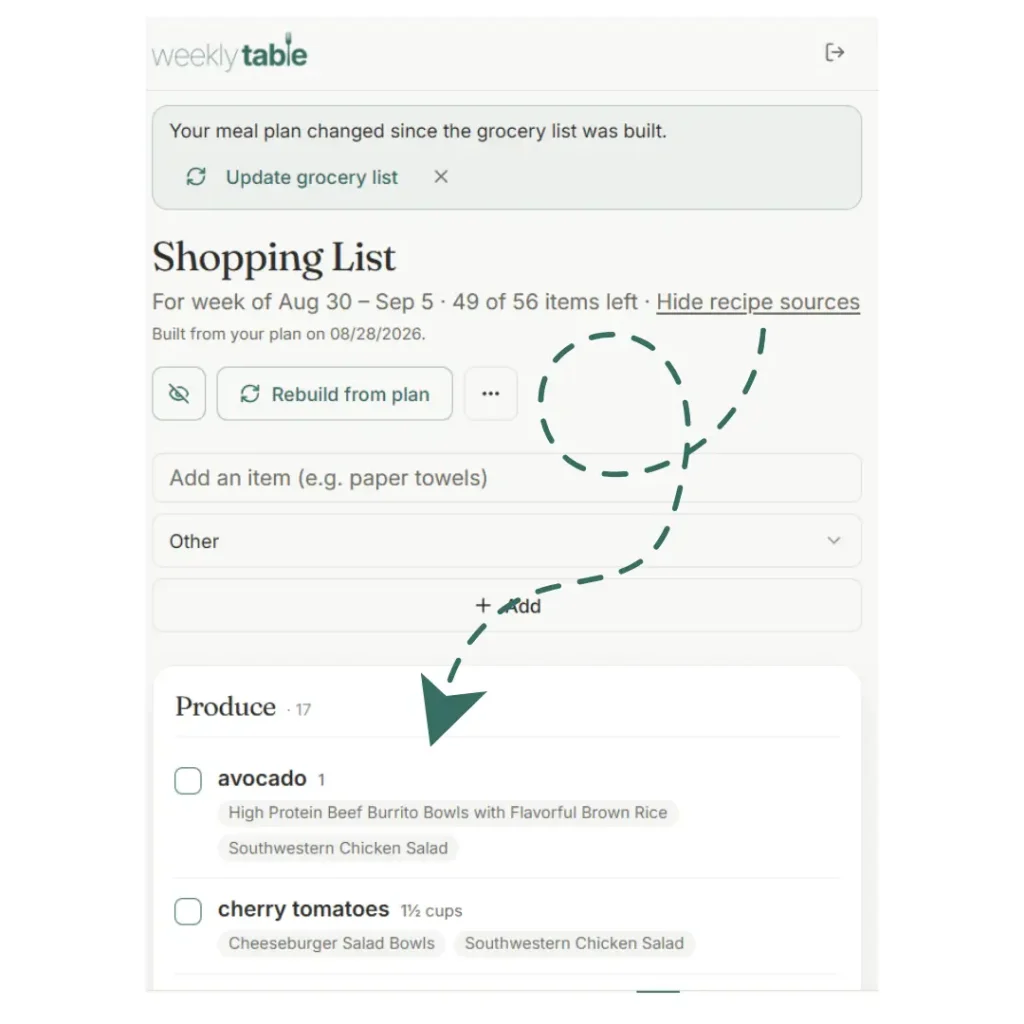
With Weekly Table, you get a grocery list – organized. It’s smart enough to remove the duplicates (so you don’t have parsley listed four different times, just because it’s noted different in four different recipes) and to put them into categories.
When you’re shopping, you get what you need and move on. My grocery shopping time has been cut in half – and most times, I’m in and out of the store in under 15 minutes.
Cook in the App
Cooking in the Weekly Table app means you don’t have to go searching for that recipe when it’s time to cook (because this can take forever, especially if you’re like how I used to be!). And sometimes, you can’t even find that recipe, so then you don’t have the right ingredients and that turns into a whole thing on its own.
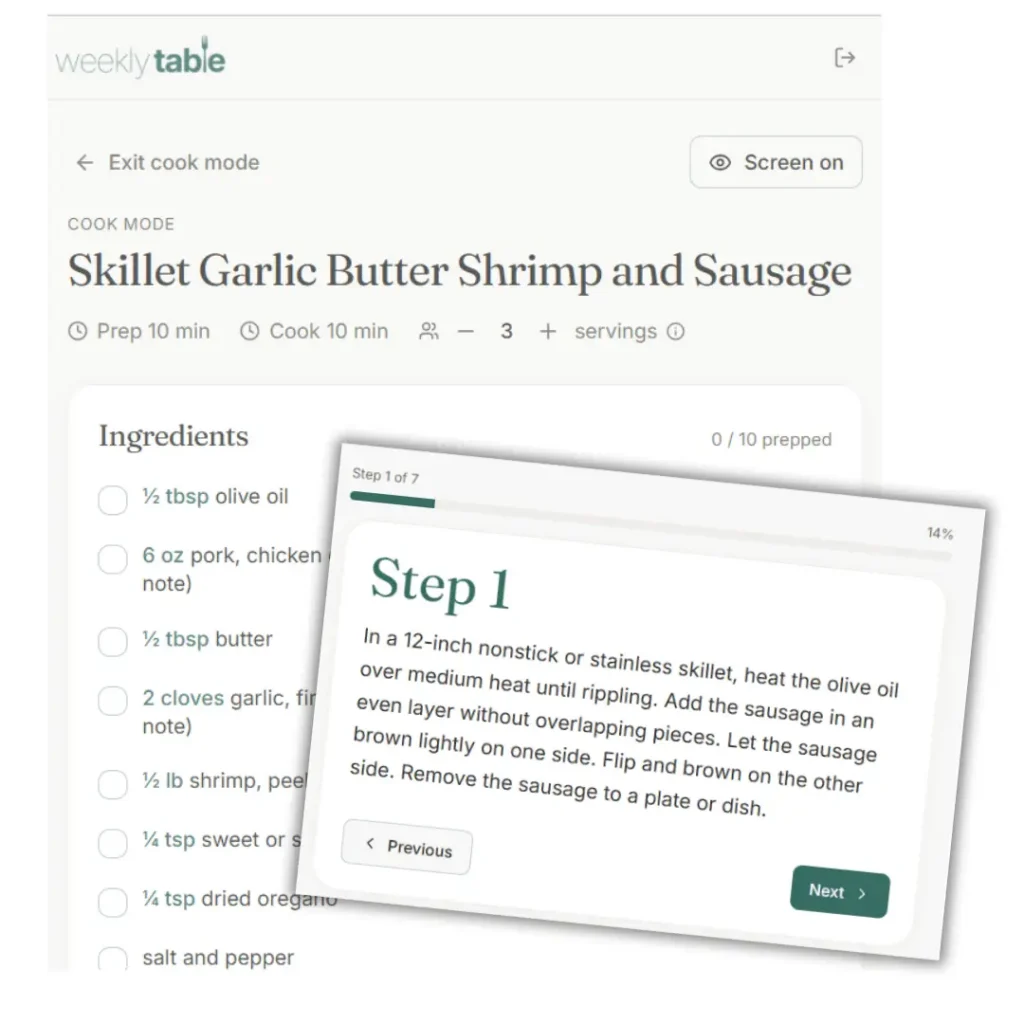
With Weekly Table, it parses the recipe once you upload it into the app. That means it takes the ingredients and the directions, and organizes it so you can easily cook – without having to worry about your screen dimming the entire time.
The best part? Recipes in your library are yours, so you can add notes and alter the ingredient list to make it just like you like it.
Bottom Line: Weekly Table Handles the Deciding
As my sister and I sat around my kitchen table on that cold April day, it came down to one thing that was stressing us out about dinner the most. It was the deciding. Not the cooking, the cleaning, or even the shopping. All of that seemed easy compared to having to decide what to make for dinner, day in and day out.

Try Weekly Table, On Us.
Use code ITSONUS at checkout and get a full month, free. What will you do with all that time?
When we built Weekly Table, it was with a goal in mind: to take on the deciding, so you don’t have to. The deciding around what to eat every single day, the deciding around how to build your grocery list. And what we’ve found, since taking that on, there’s less weight on our shoulders and we can breathe a sigh of relief with every weekly meal plan that’s delivered.
Betsy has made ice cream on a random weeknight, and I’ve ventured into making rice balls and miso soups! Both are the result of not having to carry the stress of what’s on the menu. Instead, it lets us find enjoyment and ways to connect with our families through food – something that’s always been our entire goal at the kitchen table anyways.
Try Weekly Table. Get your first meal plan.