Once upon a time, I used to love spending time in the kitchen. There’s something therapeutic about chopping vegetables and seeing ingredients come to life as a delicious dinner. I loved experimenting with different cuisines and flavor profiles to see it come to life.
But, as life has gotten busier, I’ve had less time to spend in the kitchen – and instead, I’ve relied on easier options (hi, girl dinner!) to get me through. However, this isn’t sustainable as you look at the bigger picture (especially as an aging woman who needs to take care of these hormones).
A few months ago, I decided to get back into macro counting because it’s a great way to stay accountable (for my brain, anyways, it may not be the best option for everyone). The challenge with macro counting is that you do have to eat real food, even as tempted as I am to subsist on pre-made protein shakes.
But as I started with my tracking again, I needed to find a quick way to plan meals (since the Weekly Table didn’t yet exist!). I figured that AI has been useful in other things, so I headed over to Gemini and typed in my specifications to see what it could do for some AI meal planning! I let it know how many macros I needed for the day, my favorite snacks, the types of meals I wanted, and let it do the work.
What I got back was… interesting. Sure, it planned a week of meals for me and made it very prescriptive. But, I found that my Gemini instance had quite the obsession with tuna. Now, I’m not a tuna hater. I like it, in small doses.
For whatever reason, Gemini thought I could “limit” my ingredients by having me eat tuna for breakfast, lunch, and dinner. The first recipe I saw – tuna scrambled eggs – made my stomach turn at the thought.
I’ve since done some more digging into this, and it’s a real recipe! Some people love it, some people don’t – mostly a texture thing. But for a girl that can’t stand how whipped cream feels on my tongue, tuna in my scrambled eggs definitely was not it.
I worked with Gemini a bit to make its AI meal planning work better for me. We toned down the tuna, added in a bit more chicken, and decided to test some salmon meals. It wasn’t as easy as “pop in your requirements and get a meal plan!”
Building the grocery list took a bit of fine-tuning, but before long, I had both exported into a document that I could look at. I finalized the list with what I needed, and that was that.
Of course, life took a wild turn like it always seems to do, and suddenly the document that held my meal plan was forgotten. It was lost in the sea of other emails and documents in my life, so I didn’t remember that it was there until I was getting ready to head to the grocery store and realized that’s why I have all of these ingredients!
I tried the AI meal planning another couple of times, and actually made it through a few of them (and ended up with a delicious soup recipe, but that’s for another day!). It was definitely hit or miss for me, mostly because it took time to fine tune the recipes and at the end of the day – it became another note in a sea of documents that I had to manage.
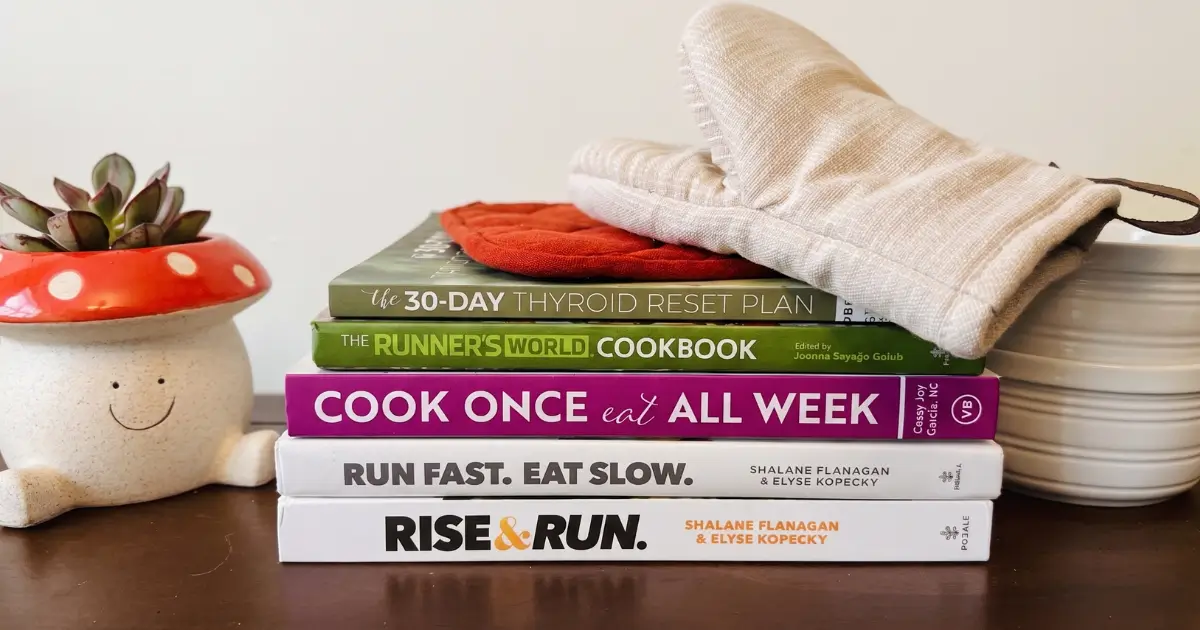
Plus, what really made me sad about the entire experience, was the stack of cookbooks staring back at me from a dusty corner in my kitchen. I hadn’t opened them in years – I KNOW – and as I looked at all the recipes they held, I wished for a way to get them more usable.
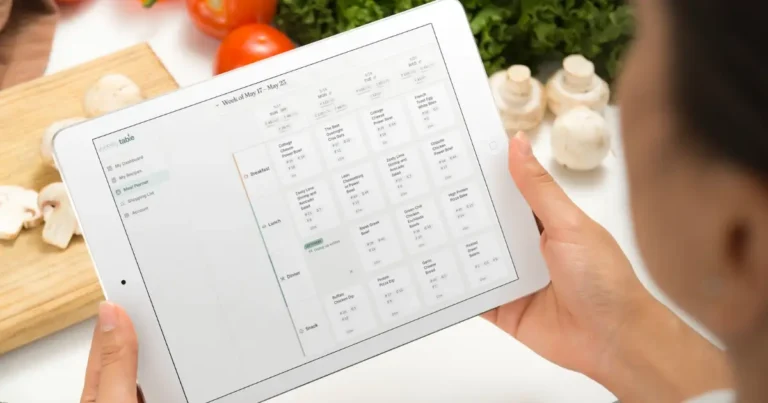
What if there were a world where I could use a touch of AI to help me plan my meals for the recipes that I loved? And what if it could be more than a document that just got lost in the sea of life from week to week?
Betsy will share what inspired her to build the Weekly Table, but for me it was this. Finding a tool that can help me track and hit my macros on a daily basis, while giving me an option to use the meals that I know and love.
Figuring out what to eat to hit my macros can be really tough – some days, I feel like I eat the same thing over and over again because I know that I’ve played the game of tetris to figure out what macros fit in where so I can hit my goal. But, sometimes I do want some variety and different flavors! This takes a LOT of time to do, especially when you are trying to hit certain numbers.
So when I want to make some changes, or fill in the gaps, I would love to have the option to use all the other recipes that I pinned or saved for some day.
The Weekly Table does all of that (and more)!
Because I’ve learned, over the years, that when life gets busy – it comes down to doing what you can do to make it through. On those days, the idea of hitting a nutrition goal or whatever often goes to the backburner; and it’s more about just checking the box of getting some calories in.
With the Weekly Table, it’s my meal planner that lives through it all with me. I can easily make changes and see what recipes I can swap in an instant. I love that I don’t have to do all the thinking behind “what’s for dinner” on whatever day – it can build it from the recipes that I share.
And the best part? I won’t end up with a menu designed for a house cat ready for a day of sunning on the bed.
Ready to check out the Weekly Table? Get started for free!